Class 3: Text
Agenda
- Warm up: introductions
- Typography lecture
- Break
- Text scavenger hunt activity
- Review the assignment requirements
Announcement: Media Futures Interns
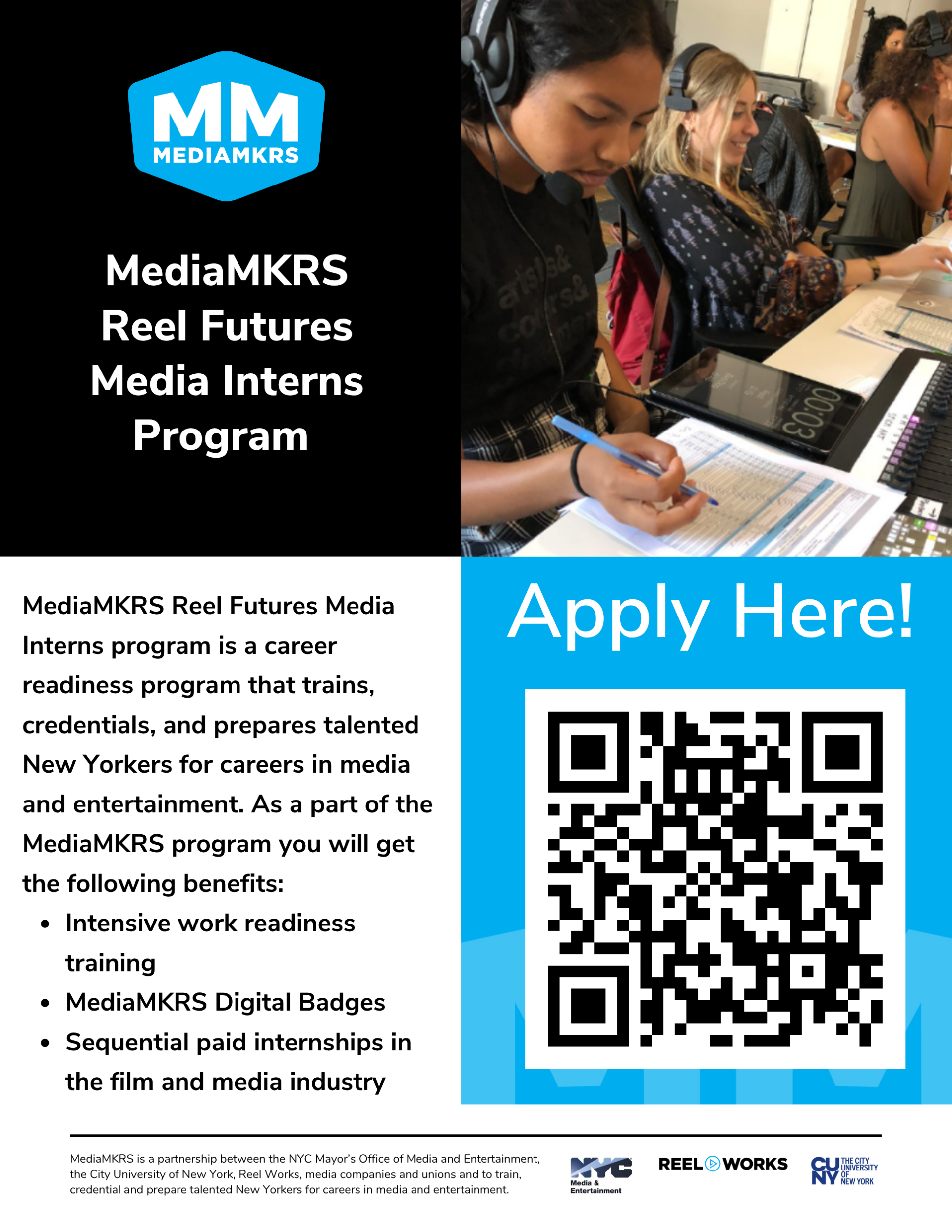
- Brief info session on on Thursday, September 24, at 5:45 p.m. in M-122. The session should run approximately 20 minutes.
- 3 credits for internships like this under the class HUW 260 Experiential Learning
- Any questions, email Sarada Rauch srauch@lagcc.cuny.edu
Warm up: Introductions
Pair up with a classmate and introduce yourselves using the Introductions FigJam board.
Lecture
Today we're covering text — how it evolved, how it is used today, and some hands-on practice with Figma's typography tools.
We'll go through the history of typography using this Figma presentation, tracing how text has evolved: from early pictographs (picture-based symbols), to movable type (Gutenberg's printing press, which made mass-produced text possible), to ASCII (the standard system computers first used to represent text and characters), to where we are today — emojis, memes, and captions layered over video.
Activity: Text scavenger hunt
Find three examples of text you think is well done. It can be real-life (a poster, sign, or advertisement) or digital (a music video, website, video captions, or game UI).
Then find three examples of text in the wild you think is not well done.
For each of your six examples, explain:
- What is it?
- What do you like and / or dislike about it?
- What stands out to you about the text itself:
- Is it easy or hard to read at a glance?
- Is it fancy? Informal?
- How close together are the letters?
- Does the text look thick/bold or thin/light?
We'll come back to these six examples next class and connect what you noticed to the actual vocabulary designers use for it (kerning, weight, line height, serifs).
Instructions:
- Create a new Figma Design file.
- Create six frames, one for each example.
- In each frame, add a photo or screenshot of the example.
- Add your written explanation in the same frame.